Loading post content...

← Back to posts
2 min readChronological · 14 posts
Create your own Lightning Address Server with Satdress
How to quickly set up your own Lightning address server using Satdress, a federated Lightning address server, instead of building from scratch.
Send a Tip
joel@klabo.world
sats
I recently started going through the process of trying to setup a lightning address for myself. Hosted on my own domain. Initially I started with a simple Node.js server that would return the required payloads to get it to work.
Most of the setup on your domain has to do with handling requests to yourdomain.com/.well-known/lnurlp/username which would be what a lightning address like username@yourdomain.com would check to get the info for paying. See the documentation at lighningaddress.com if you're interested in more details.
It ended up being more involved than I had originally thought, the initial payload was pretty straight-forward. It looks something like this (example from my joel@satoshis.lol address):
JSON
{"status":"OK","callback":"https://satoshis.lol/.well-known/lnurlp/joel","tag":"payRequest","maxSendable":100000000,"minSendable":1000,"metadata":"[ [\"text/identifier\",\"joel@satoshis.lol\"], [\"text/plain\",\"Satoshis to joel@satoshis.lol.\"] ]","commentAllowed":0}The next step is for the client to call the callback url with the amount of satoshis and get a bolt11 invoice back.
Once I got to that step I realized this must be something that had been solved already. So I looked around a little more and found this project: Satdress.
Satdress
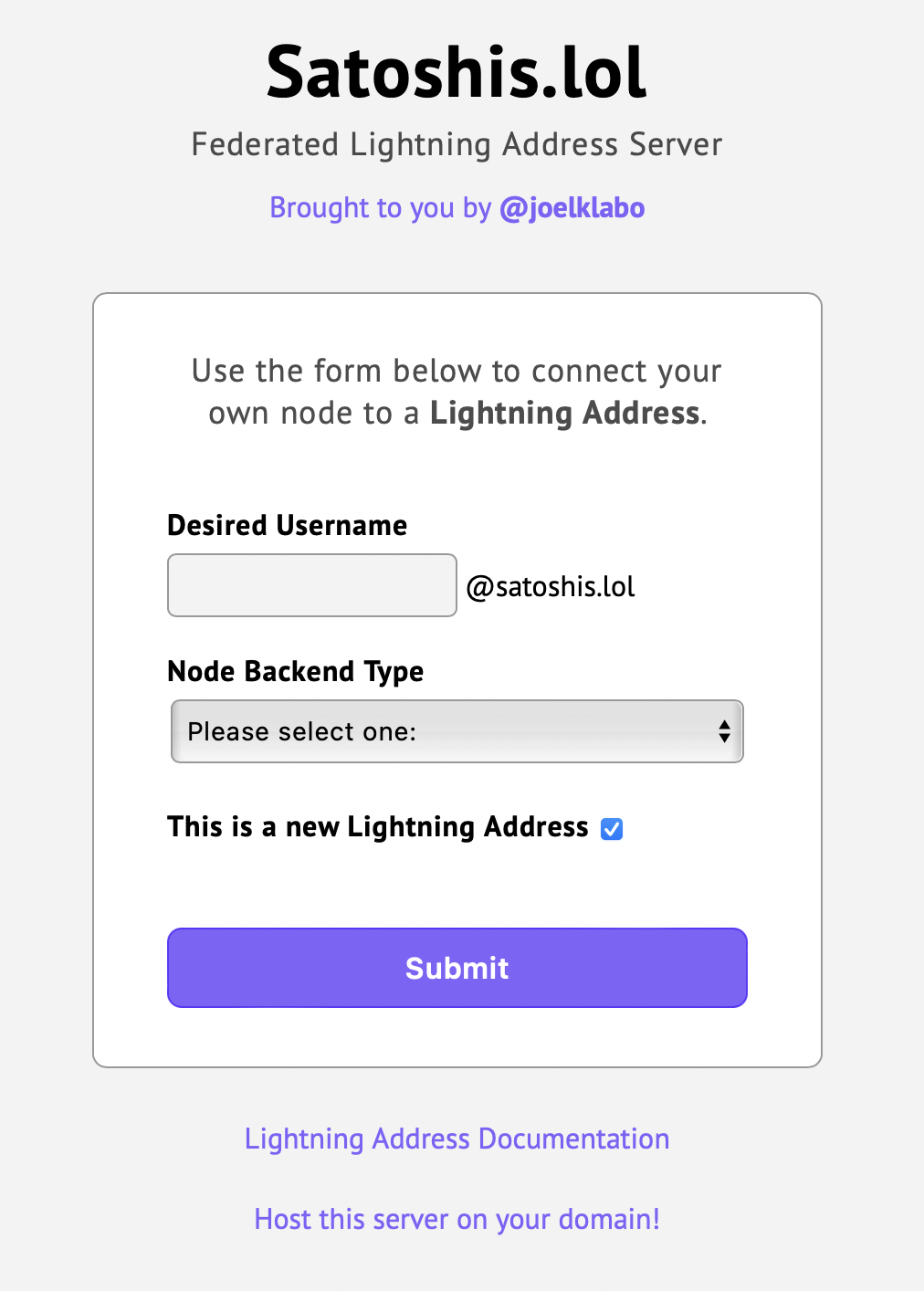
The Satdress project is a Federated Lightning Address Server that you can set up on your own domain. So, I decided to try that instead. I had also just registered the domain satoshis.lol and was looking for something to do with it.
The setup is pretty simple. You just download the repo, run go build (I needed to upgrade go to make it work, currently at 1.18). That will create a binary called satdress.
Before you run it you need to set some environment variables to make it work. An example from the documentation:
BASH
PORT=17422DOMAIN=bitmia.comSECRET=askdbasjdhvakjvsdjasdSITE_OWNER_URL=https://t.me/qecezSITE_OWNER_NAME=@qecezSITE_NAME=BitmiaSo I set those and ran ./satdress it started a server on port 17422 and that was about it.
The rest of the setup was just setting it up on my VPS but the process was the same.
The end result:
Conclusion
If you have a domain already and want to set up a lightning address for yourself, or host it for anyone else to use. Satdress is a super simple way to get it going. Try it out. Or get a you@satoshis.lol address satoshis.lol